Why I'm Not Using Xcode 26's AI Chat Integration (And What Could Change My Mind)
7 missing features keeping me from using Xcode's AI, plus my 5-release roadmap for Apple to catch up with Claude Code and Cursor.
12 post(s)

7 missing features keeping me from using Xcode's AI, plus my 5-release roadmap for Apple to catch up with Claude Code and Cursor.
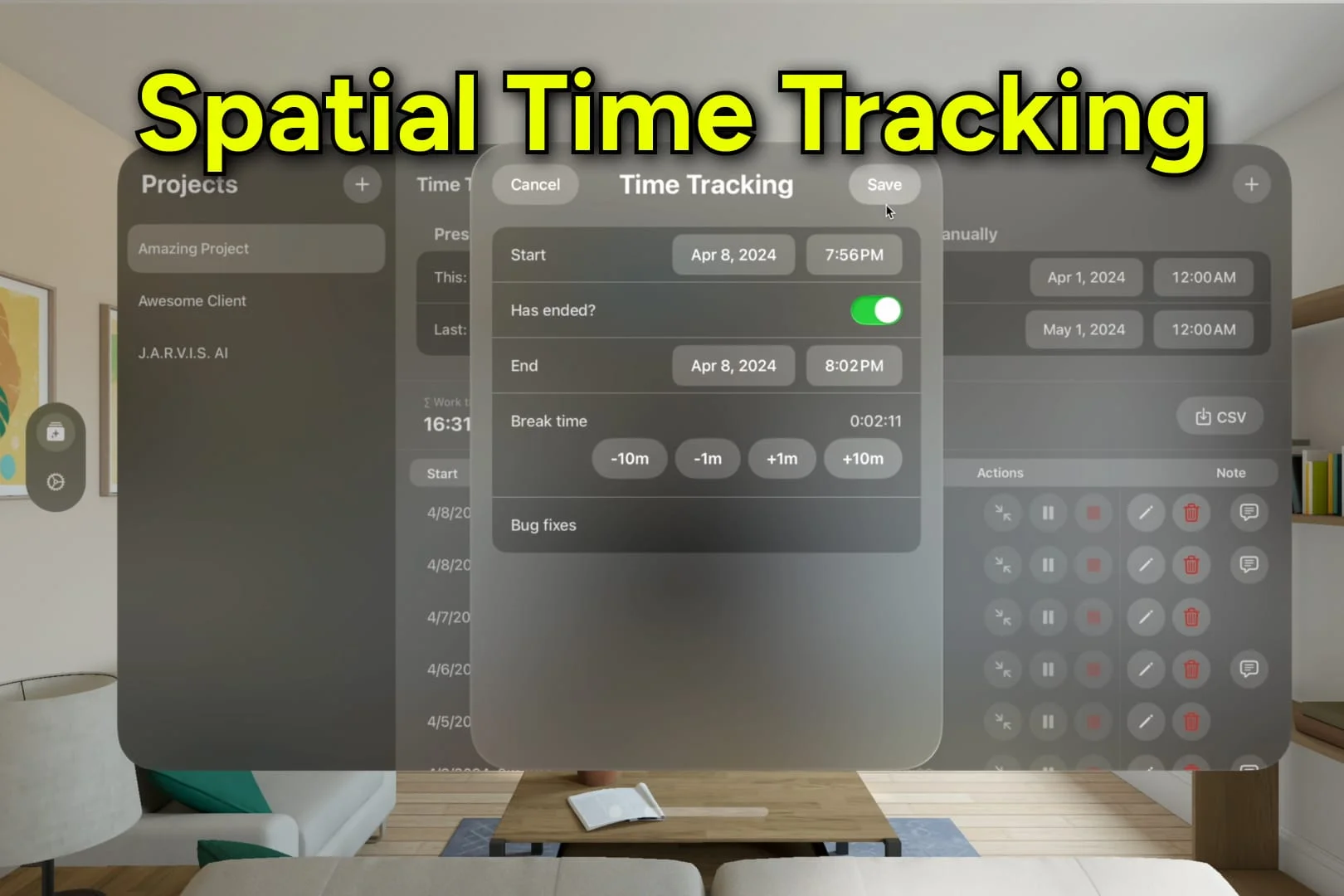
Affordable & native time tracking that syncs across iPhone, iPad, Mac, and Vision. Watch your earned money update live. Export to CSV. And much more!
A personal experience of having a Feedback Assistant request implemented in Xcode 26, and tips for writing effective feedback reports.
Why every Swift package should include an .editorconfig file to enforce consistent indentation across all contributors.
How to enable push notifications for new App Store reviews in the App Store Connect app so you can respond to user feedback quickly.
The Quick Help inspector in Xcode's sidebar auto-updates documentation as your cursor moves, removing the need to Cmd-click for docs.
Create a single import that re-exports all your commonly used frameworks using @_exported import.
Xcode 15 introduces a Ctrl+M shortcut to expand function calls and parameters across multiple lines.
Use the same Open Quickly shortcut to search Apple's developer documentation directly on the web.
Xcode 15 adds a built-in action to reformat long function parameter lists from a single line to multiple lines.
A hidden Xcode scheme setting that can significantly reduce app launch times during development.
Using Xcode code snippets with #warning to leave actionable reminders in your codebase.