
The Challenge
When building views that depend on asynchronous data, you typically have a loading state that shows a spinner or placeholder. In production, this state appears briefly while data loads from the network or database. But in SwiftUI previews, your mock data is available instantly, so the loading state flashes by too fast to inspect – or never appears at all.
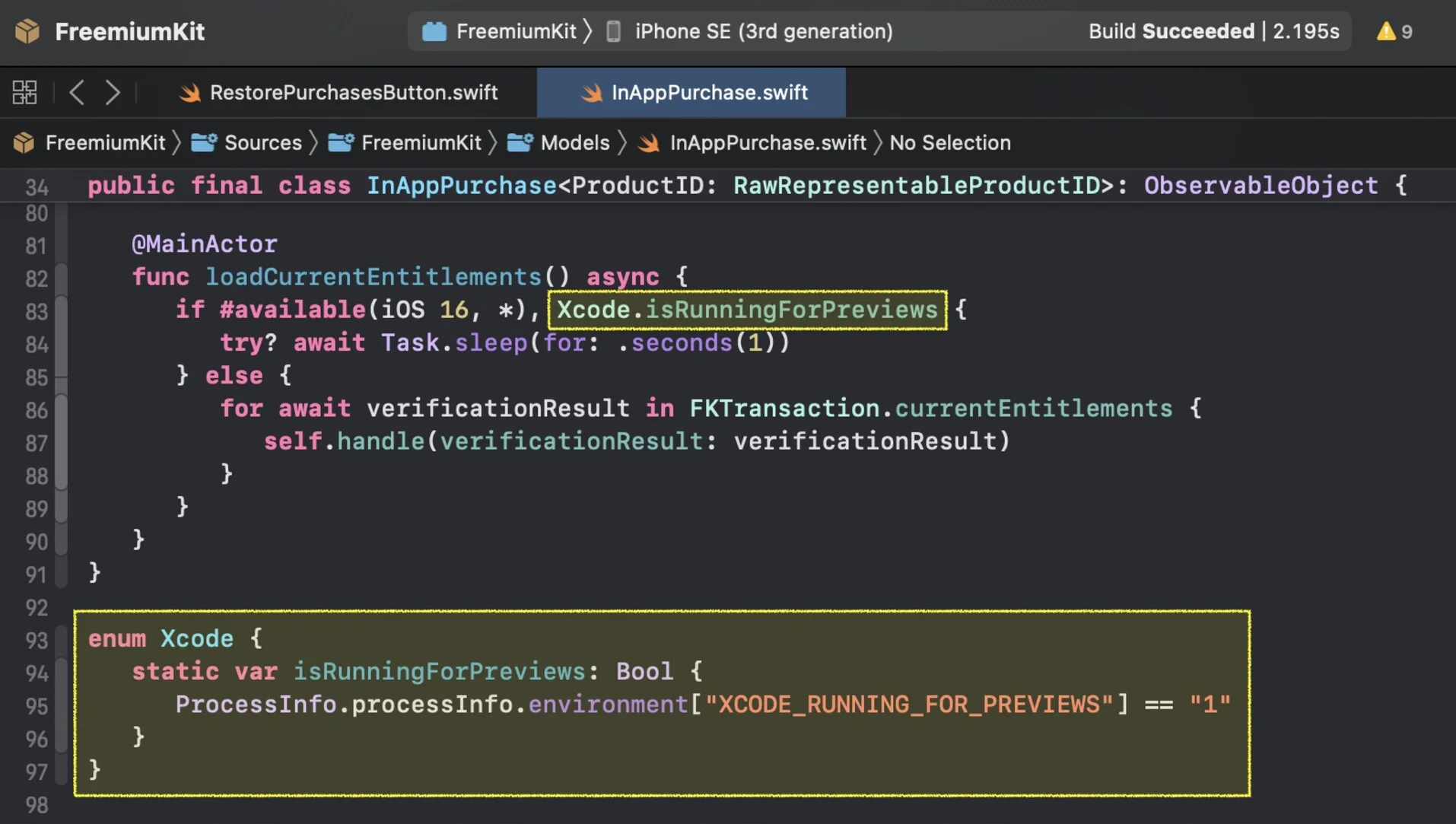
A Preview-Only Delay Helper
The solution is a small helper that introduces an artificial delay, but only in preview or debug contexts. Here is the pattern:
struct DelayedStatePreview<Content: View>: View {
   @State private var isLoaded = false
   let delay: Duration
   let content: (Bool) -> Content

   init(
      delay: Duration = .seconds(2),
      @ViewBuilder content: @escaping (Bool) -> Content
   ) {
      self.delay = delay
      self.content = content
   }

   var body: some View {
      content(isLoaded)
         .task {
            try? await Task.sleep(for: delay)
            isLoaded = true
         }
   }
}
You use it in a preview like this:
#Preview {
   DelayedStatePreview { isLoaded in
      if isLoaded {
         ArticleListView(articles: mockArticles)
      } else {
         LoadingView()
      }
   }
}
Why This Matters
The key benefit is that your production code stays clean. You are not adding artificial delays or debug flags to your actual views. The helper exists purely at the preview layer, giving you a way to visually verify that your loading states look correct, that transitions animate smoothly, and that layout does not jump when data arrives.
This is especially useful for views with skeleton loaders or shimmer effects where the visual quality of the loading state is part of the user experience.