
The Formatting Problem
Long function calls and declarations with many parameters are one of the most common readability issues in Swift code. You end up with lines that stretch well past any reasonable column limit:
func configureView(title: String, subtitle: String, icon: Image, backgroundColor: Color, isEnabled: Bool, action: @escaping () -> Void) {Manually breaking this into multiple lines is tedious. You have to position the cursor, add line breaks, indent each parameter, and make sure the trailing parenthesis lines up correctly.
The New Action in Xcode 15
Xcode 15 introduces a “Format to Multiple Lines” action that does this automatically. Place your cursor on a function call or declaration with multiple parameters, and Xcode offers to reformat it:
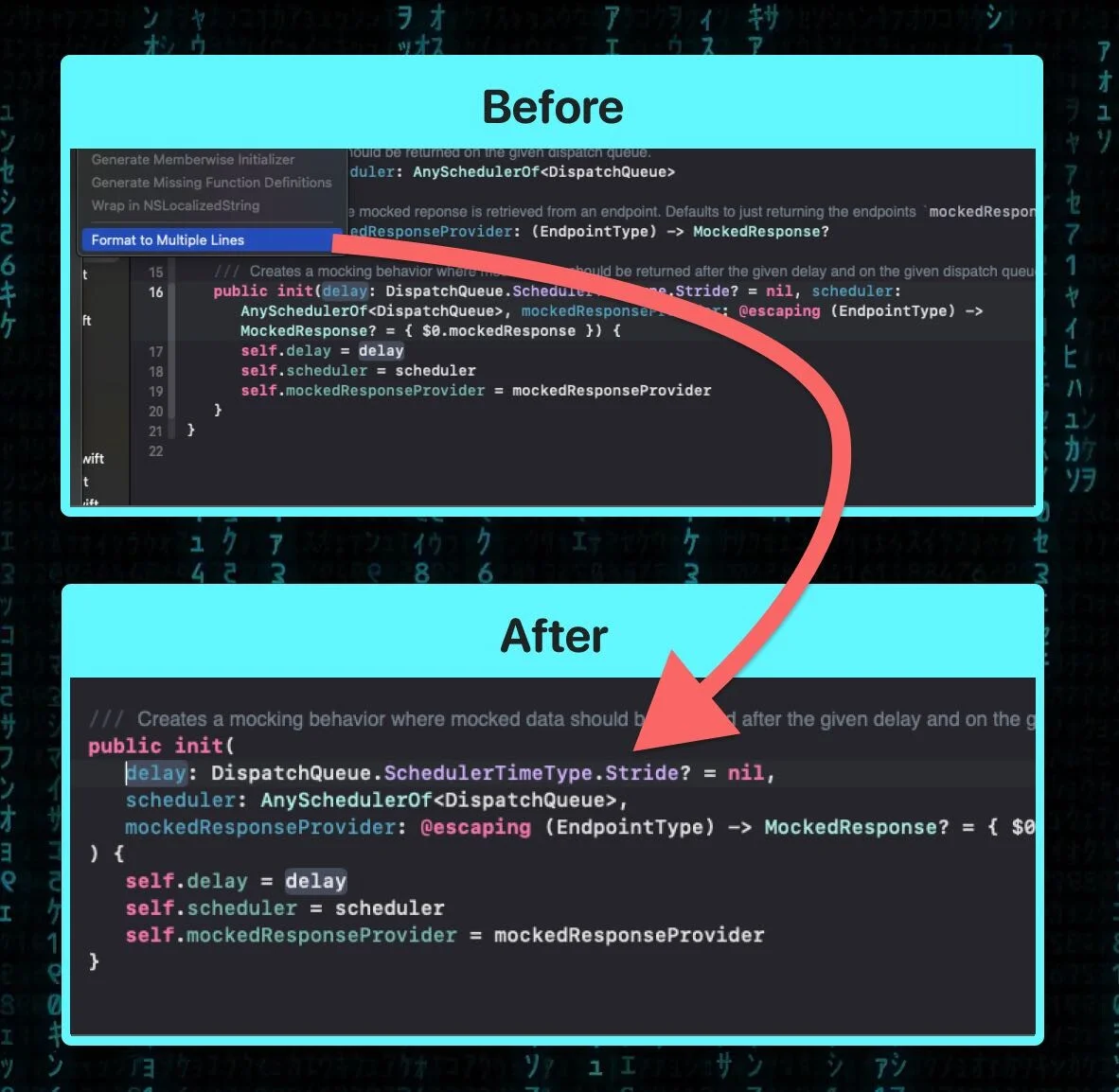
The result is cleanly formatted with one parameter per line:
func configureView(
   title: String,
   subtitle: String,
   icon: Image,
   backgroundColor: Color,
   isEnabled: Bool,
   action: @escaping () -> Void
) {
You can find this action by right-clicking on the function signature and looking under Refactor, or by using the Editor menu. It works on both function declarations and call sites.
When to Use It
This is most useful right after writing a new function or adding parameters to an existing one. Instead of manually formatting as you go, you can write everything on one line and then apply the formatter in a single action. It also helps when reviewing code where someone else left long single-line signatures – select and reformat without manual editing.
The reverse operation (collapsing multiple lines back to one) is not currently available, but that direction is less commonly needed.